

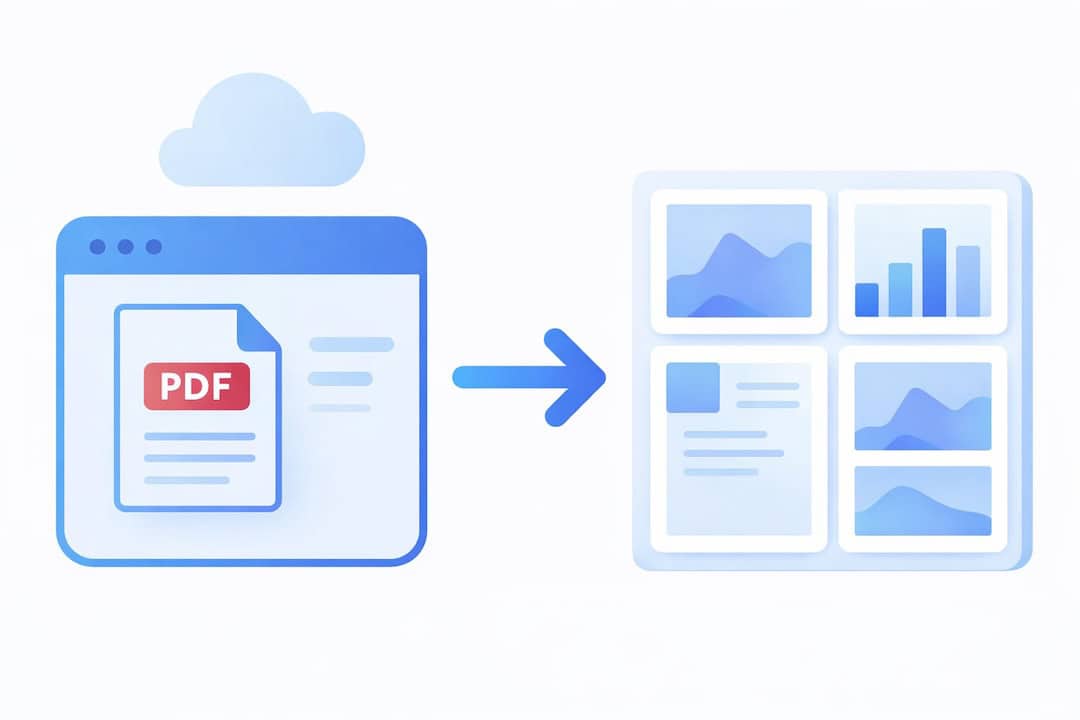
PDF Conversion Updated and System Improvements
Multi-page PDF to Image Conversion
You can now convert an entire PDF file at once. Each page is automatically converted into an image. This feature is especially useful for brochures, price lists, and other multi-page materials.
PDF Pages in a Dedicated Folder
A dedicated folder can be automatically created in the media library for the PDF pages. This helps keep content organized and makes it easier to manage larger document sets.
Improvement Over Previous Version
Previously, only one page at a time could be converted into an image. Now, the entire document can be processed in a single step.
How do I add a PDF file to SeeSignage?
You can add a PDF file via the Media page or directly from a playlist. Click the “+” icon and select a PDF from the file picker, or simply drag and drop the file into the interface.
Additional improvements
We have also updated internal libraries and dependencies to improve overall system stability, performance, and security.
New in SeeSignage
-

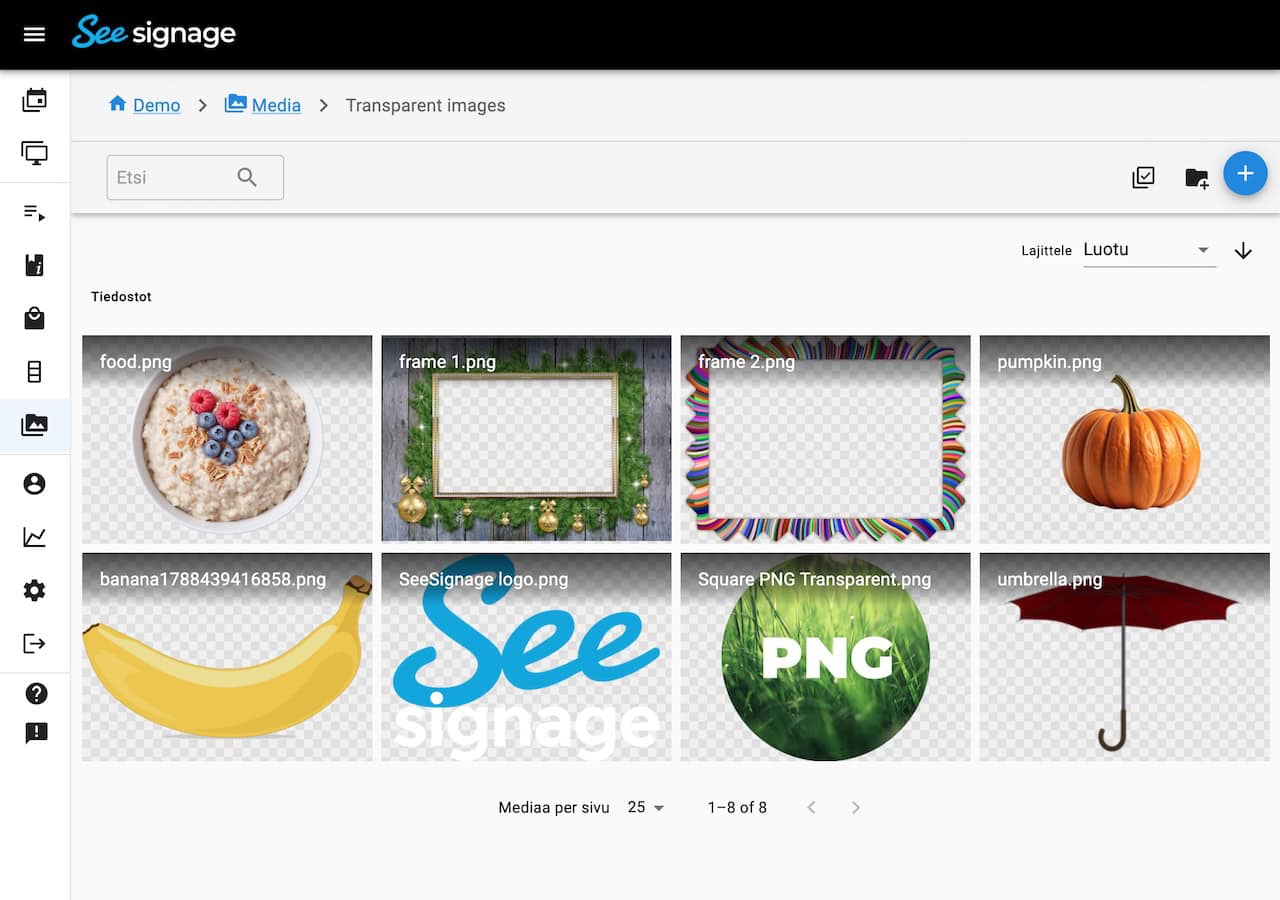
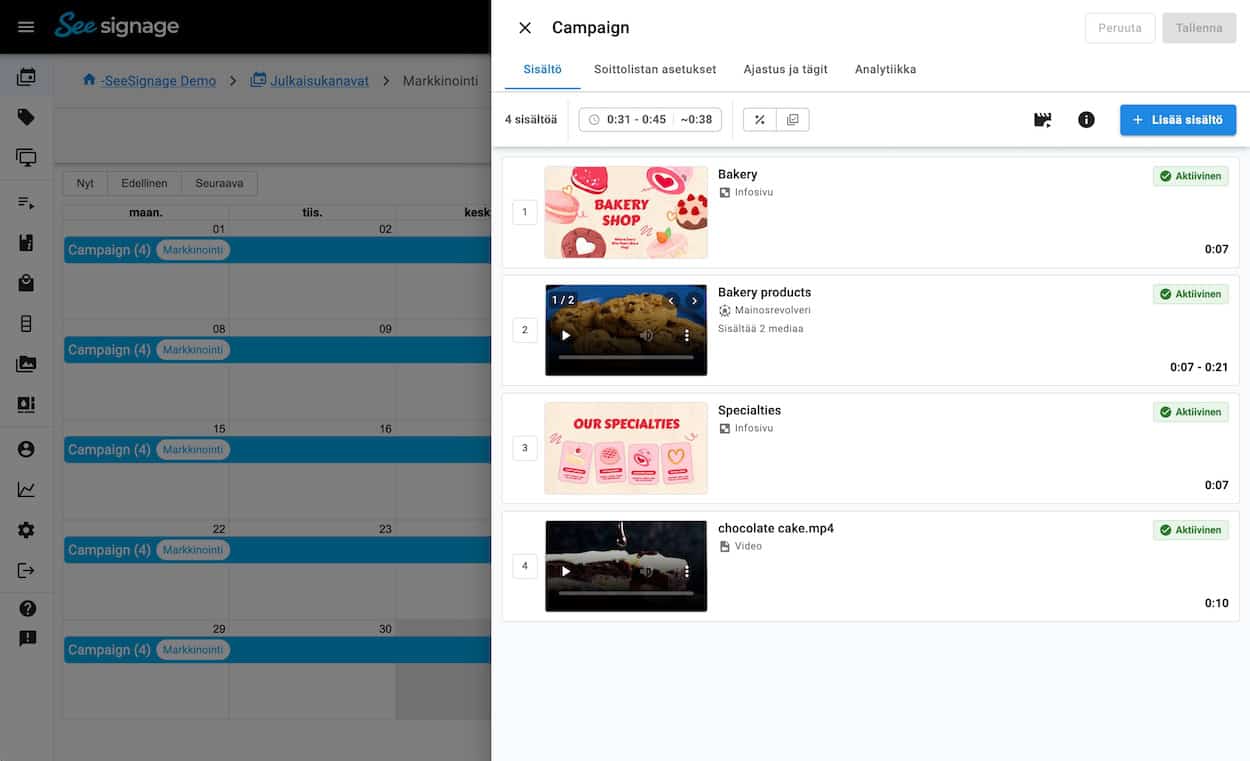
Improvements to the Media browser, Campaign Preview and Playlists
-
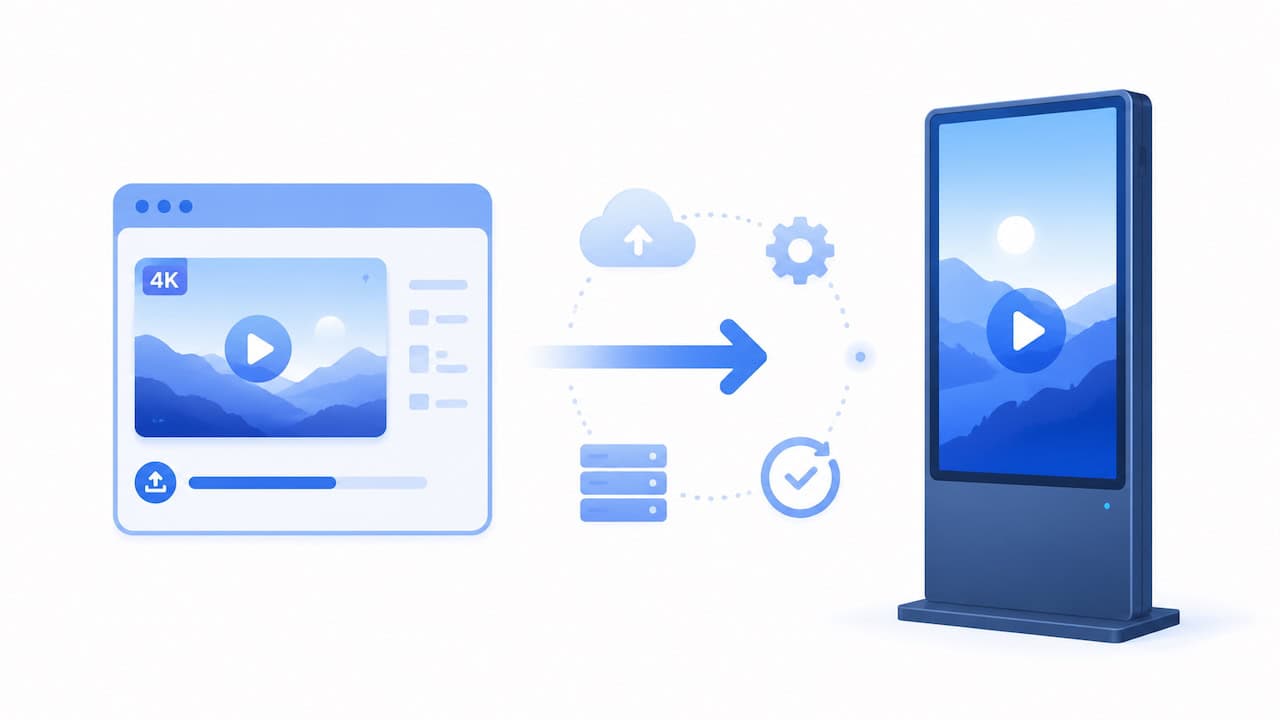
Media, Player and Platform Improvements
-
Redesigned Playlist Editing View and Other Improvements
-
Info Page Editor Improvements: Undo/Redo, Layer Management and More
-
PDF Conversion Updated and System Improvements
-
Two-Factor Authentication (MFA)

Give us feedback
We are constantly developing new features for the cloud service. It is important to us that you get the best possible benefit from SeeSignage.