

Improvements to the Media browser, Campaign Preview and Playlists
We have released an update to SeeSignage’s media library, campaign preview, and playlist management. The update makes it easier to check media, more reliable to preview campaigns, and smoother to use day to day.
Transparent media preview
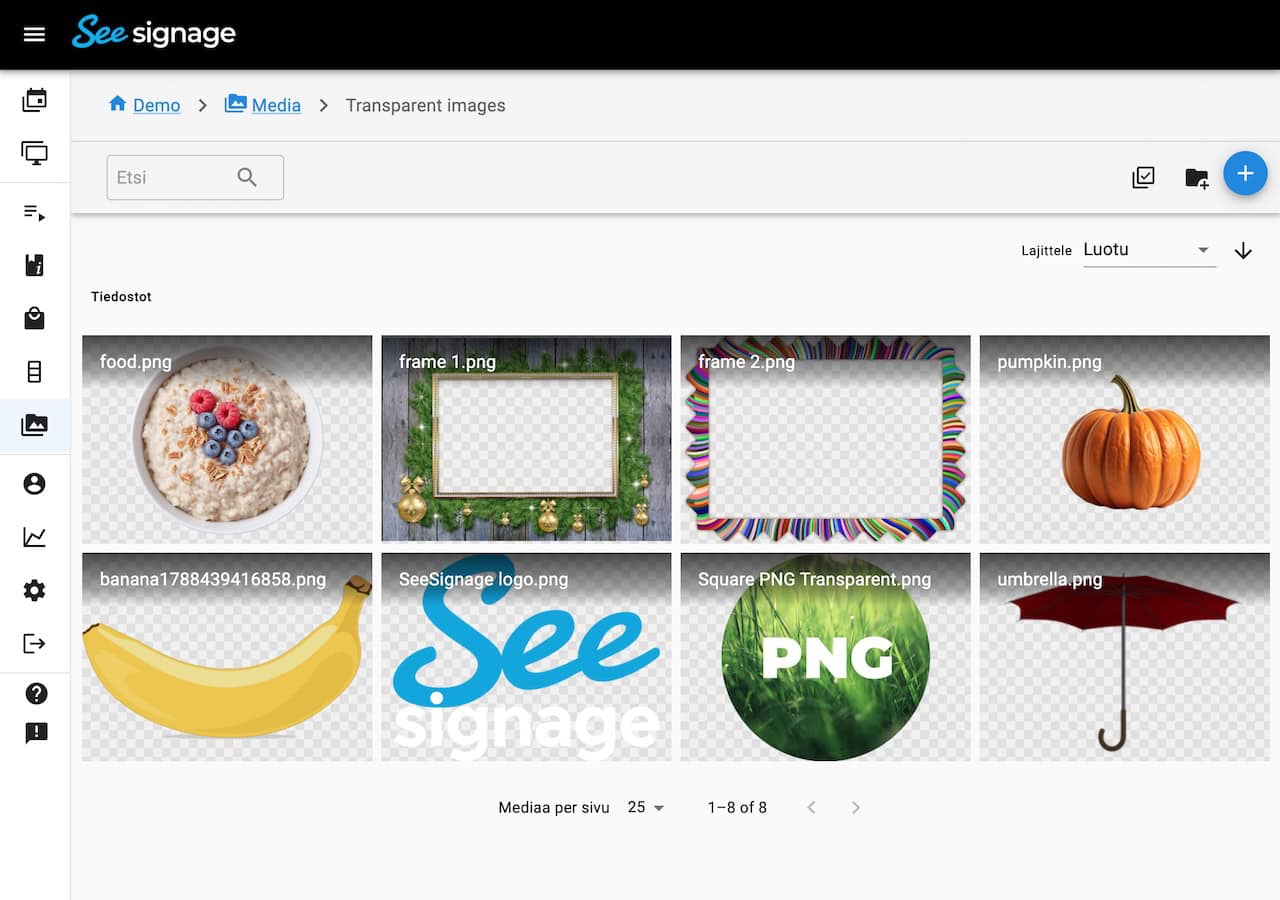
Transparency in PNG, WebP, and SVG files is now easier to see. These formats use a checkerboard behind the preview, so you can tell how the image looks without a background. The checkerboard is used in the media library, when selecting media, and when you open a file for preview.
Media details and clearer thumbnails
Media details now also show image and video dimensions.
Thumbnails in the media library and media pickers have been aligned. Video quality is easier to spot, the full filename appears when you hover over the name, and clicking a video tile opens or selects the file instead of starting playback in the grid.
Campaign preview
Previewing a campaign product now shows the correct item even when some products in the list are hidden.
Hidden products cannot be previewed. If there is nothing to preview, a clear message is shown.
Playlists and Ad Revolver
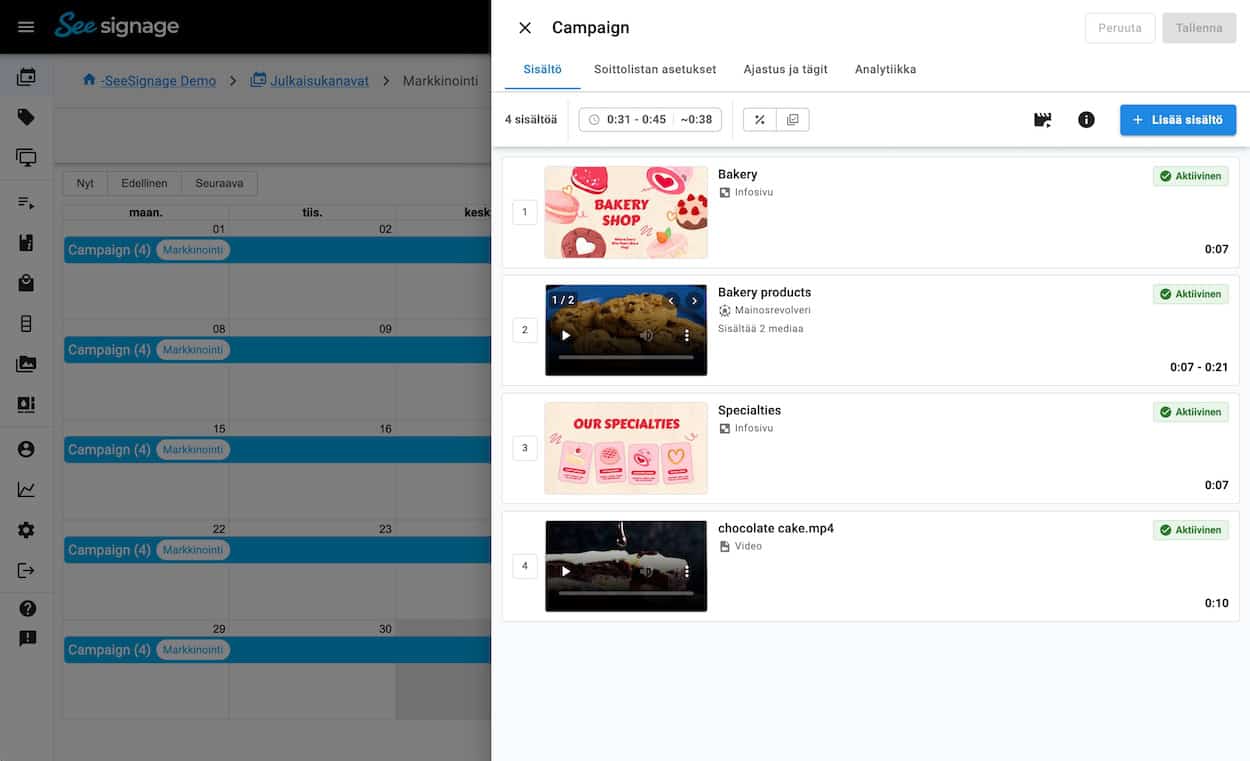
Playlist item cards have been refined. Hidden items are marked with a stripe overlay and no longer fade until they are hard to read.
Selected media in the Ad Revolver and in the info page media carousel now uses the same card style as playlist items: order number, preview, filename, and media type. The Ad Revolver preview on the playlist uses the same view as other media, so the experience stays consistent.
Other Improvements and Fixes
Improvements include:
- If you use a parent environment, the playlist Analytics tab now lets you choose which sub-environment’s Proof of Play data to query. This feature is available in environments where Proof of Play has been enabled.
- The Screens toolbar works better on mobile: names no longer overlap, and actions for selected screens stay clear.
- The playlist Proof of Play query bar stacks on mobile.
- Playlist URL items now accept a wider range of URL formats.
- Searching playlists is more reliable when you push media from the media library to playlists.
New in SeeSignage
-

Improvements to the Media browser, Campaign Preview and Playlists
-
Media, Player and Platform Improvements
-
Redesigned Playlist Editing View and Other Improvements
-
Info Page Editor Improvements: Undo/Redo, Layer Management and More
-
PDF Conversion Updated and System Improvements
-
Two-Factor Authentication (MFA)

Give us feedback
We are constantly developing new features for the cloud service. It is important to us that you get the best possible benefit from SeeSignage.