

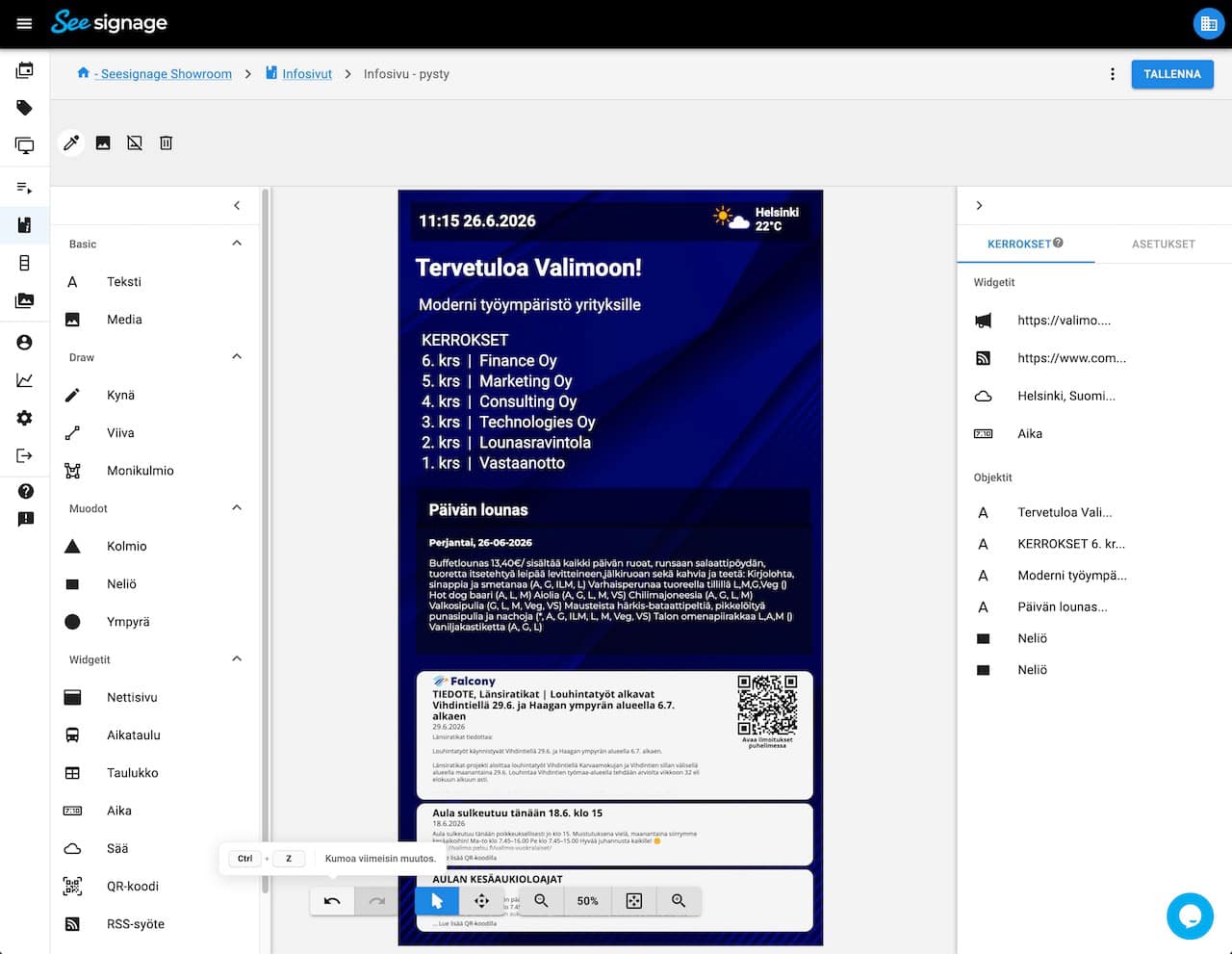
Info Page Editor Improvements: Undo/Redo, Layer Management and More
Undo and Redo
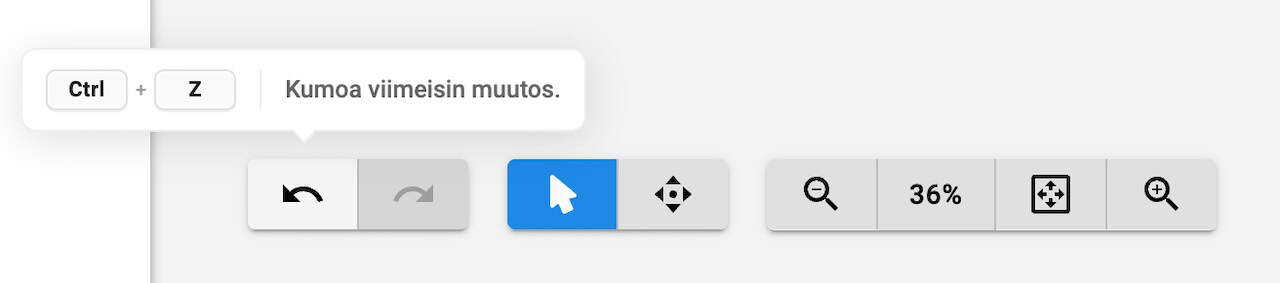
The Info Page Editor now supports Undo and Redo actions. You can easily undo or restore changes using the toolbar buttons or familiar keyboard shortcuts.
This makes editing faster and gives you the freedom to experiment with different layouts without worrying about making mistakes.
Improved Layer Management
Layer management has been significantly improved, especially for more complex info pages.
New improvements include:
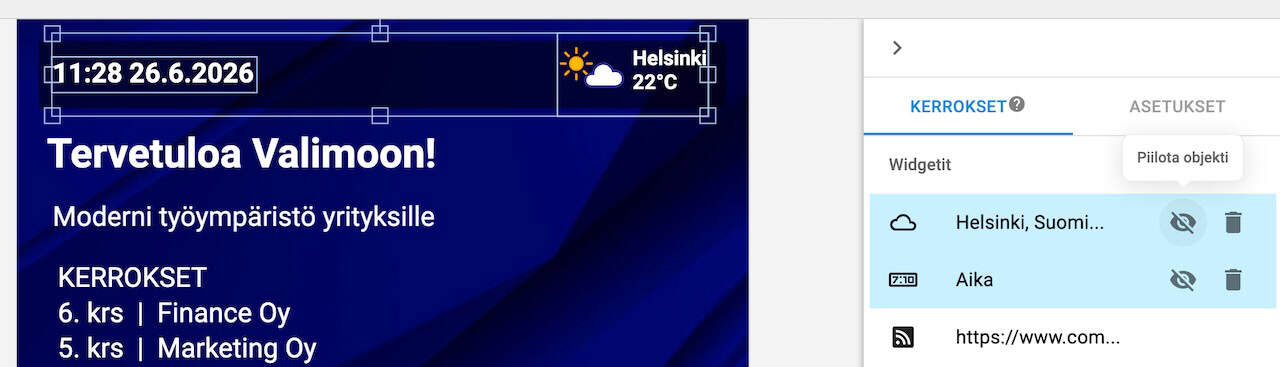
- Show or hide objects directly from the layers list
- Improved multi-selection using Shift and Ctrl
- Object action buttons are displayed only when hovering over a layer
- Lock and visibility states stay synchronized between the editor, toolbar, and layers panel
These improvements make it much easier to organize and edit complex layouts containing multiple objects.
Enhanced Drawing Tools
The drawing tools have been improved to provide a smoother editing experience. Creating and editing lines, polygons, and freehand drawings is now more intuitive, and images can now be rotated naturally around their center point.
Additional Improvements
Several usability, performance, and stability improvements have also been introduced.
Usability
- Create media carousels without adding media immediately
- Notification when a media carousel contains no visible items
- Toolbar tooltips with keyboard shortcuts
- Configurable refresh interval for RSS widgets (5 minutes – 24 hours)
- New Zalando Sans font available in the editor
Performance and Stability
The rendering engine behind the Info Page Editor has been upgraded to the latest version. This improves overall performance and stability while enabling new features such as Undo/Redo and the enhanced layer management.
The update also includes numerous bug fixes and stability improvements, including:
- More reliable saving of info pages
- Improved image export and thumbnail generation
- Fixes for text rendering and bold font support
- Improvements to drawing tools
- More reliable Undo/Redo when working with images
- Fixes for object selection and layer management
- Improvements to widget settings handling
- General stability and compatibility improvements
These updates make the SeeSignage Info Page Editor faster, more reliable, and easier to use when designing both simple and complex digital signage content.
New in SeeSignage
-

Smoother Video Playback and Other Improvements
The latest SeeSignage update brings smoother video transitions to LG webOS displays, along with improvements to playlist reliability, Proof of Play...
-
Improvements to the Media browser, Campaign Preview and Playlists
-
Media, Player and Platform Improvements
-
Redesigned Playlist Editing View and Other Improvements
-
Info Page Editor Improvements: Undo/Redo, Layer Management and More
-
PDF Conversion Updated and System Improvements

Give us feedback
We are constantly developing new features for the cloud service. It is important to us that you get the best possible benefit from SeeSignage.