

Release notes
Get to know SeeSignage’s latest features and improvements.
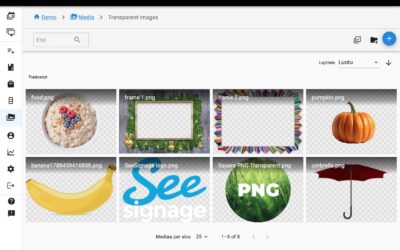
Improvements to the Media browser, Campaign Preview and Playlists
We have released an update to SeeSignage’s media library, campaign preview, and playlist management. The update makes it easier to check media, more reliable to preview campaigns, and smoother to use day to day. Transparent media preview Transparency in PNG, WebP, and...
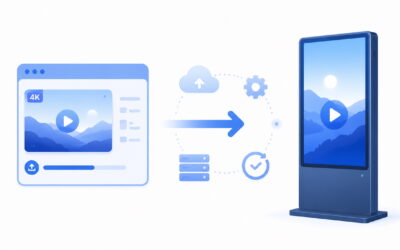
Media, Player and Platform Improvements
We have released several improvements to SeeSignage’s media processing, player applications, and technical platform. This update improves 4K video handling, support for new digital signage devices, display reliability, scheduling accuracy, and content playback across...
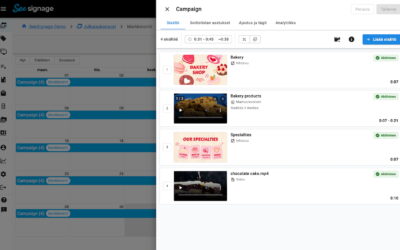
Redesigned Playlist Editing View and Other Improvements
We have released a major update to playlist and channel management in SeeSignage. The main focus of this update is the redesigned playlist editing view, along with improvements to channel management, scheduling, analytics, and change management in multi-user...
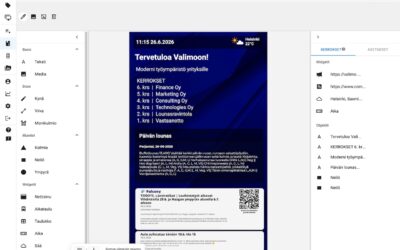
Info Page Editor Improvements: Undo/Redo, Layer Management and More
We've released a major update to the SeeSignage Info Page Editor. This update makes creating and editing content faster, safer, and more intuitive, while introducing several new features and usability improvements. Undo and Redo The Info Page Editor now supports Undo...
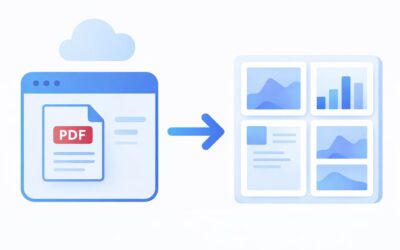
PDF Conversion Updated and System Improvements
Multi-page PDF to Image ConversionYou can now convert an entire PDF file at once. Each page is automatically converted into an image. This feature is especially useful for brochures, price lists, and other multi-page materials. PDF Pages in a Dedicated FolderA...

Two-Factor Authentication (MFA)
SeeSignage now supports two-factor authentication (MFA, Multi-Factor Authentication), adding an extra layer of security to your account during login. With MFA enabled, signing in requires both your password and a one-time verification code generated by an...
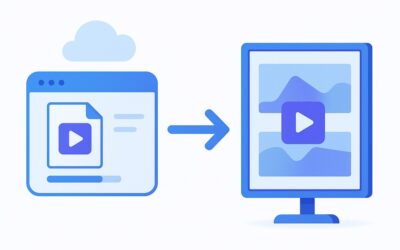
Improvements to Media Conversion
SeeSignage media conversion is now faster, more efficient, and more stable than ever. The updated conversion process handles videos more quickly and uses server resources optimally. This update reduces waiting times, speeds up content publishing, and improves overall...

New Proof of Play features!
Proof of Play is an essential part of managing digital signage content, allowing you to accurately track when and how often your content has been displayed across various playlists and screens. This helps you measure content performance and provides precise reporting...

Falcony integration for displaying announcements
A new Falcony Announcements widget has now been added to the SeeSignage infopage editor, enabling the display of announcements and other notifications created with the Falcony system as a news feed on info pages. Add the widget in the infopage editor by clicking...

New features to the info page editor: workarea toolbar, info page custom resolution, support for info pages in the media carousel, and much more
The new SeeSignage update includes several improvements to the info page editor. You can now create info pages with custom sizes, add info pages to the media carousel widget, and manage the editor workspace more smoothly.Changes to the appearance of the infopage...

New features for the stop schedule and other improvements to the user interface
SeeSignage's user interface has been updated, and the new version offers several improvements to the interface as well as a refreshed look for the stop schedule widget.HSL stop schedules You can now create even more versatile bus stop schedules with the info page...

User interface update, origin tables and other improvements
The user interface of SeeSignage has been updated, and the new version offers an even smoother user experience. The update brings with it faster performance, a more responsive appearance, and revamped user interface components.Fish and meat origin tables According to...